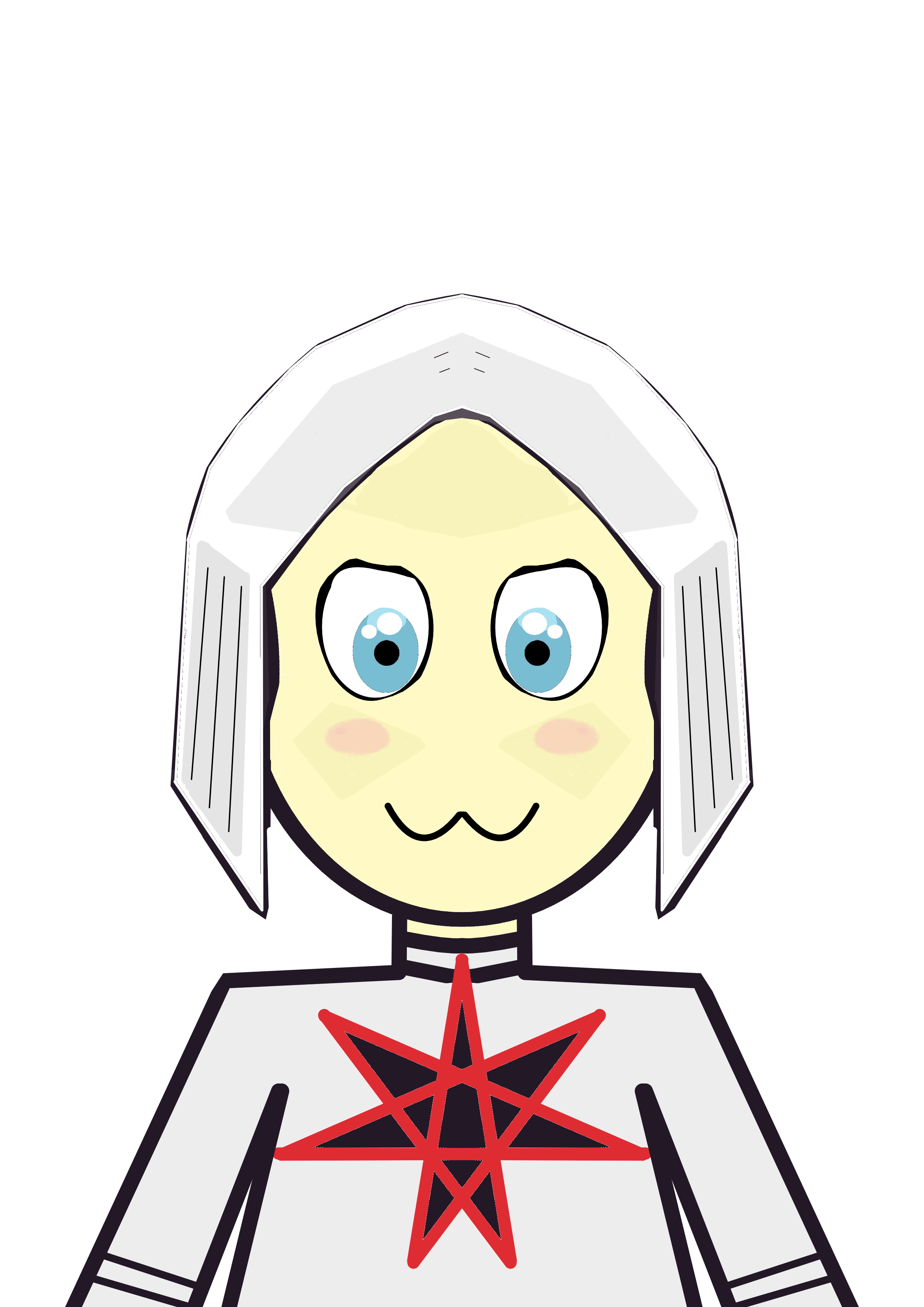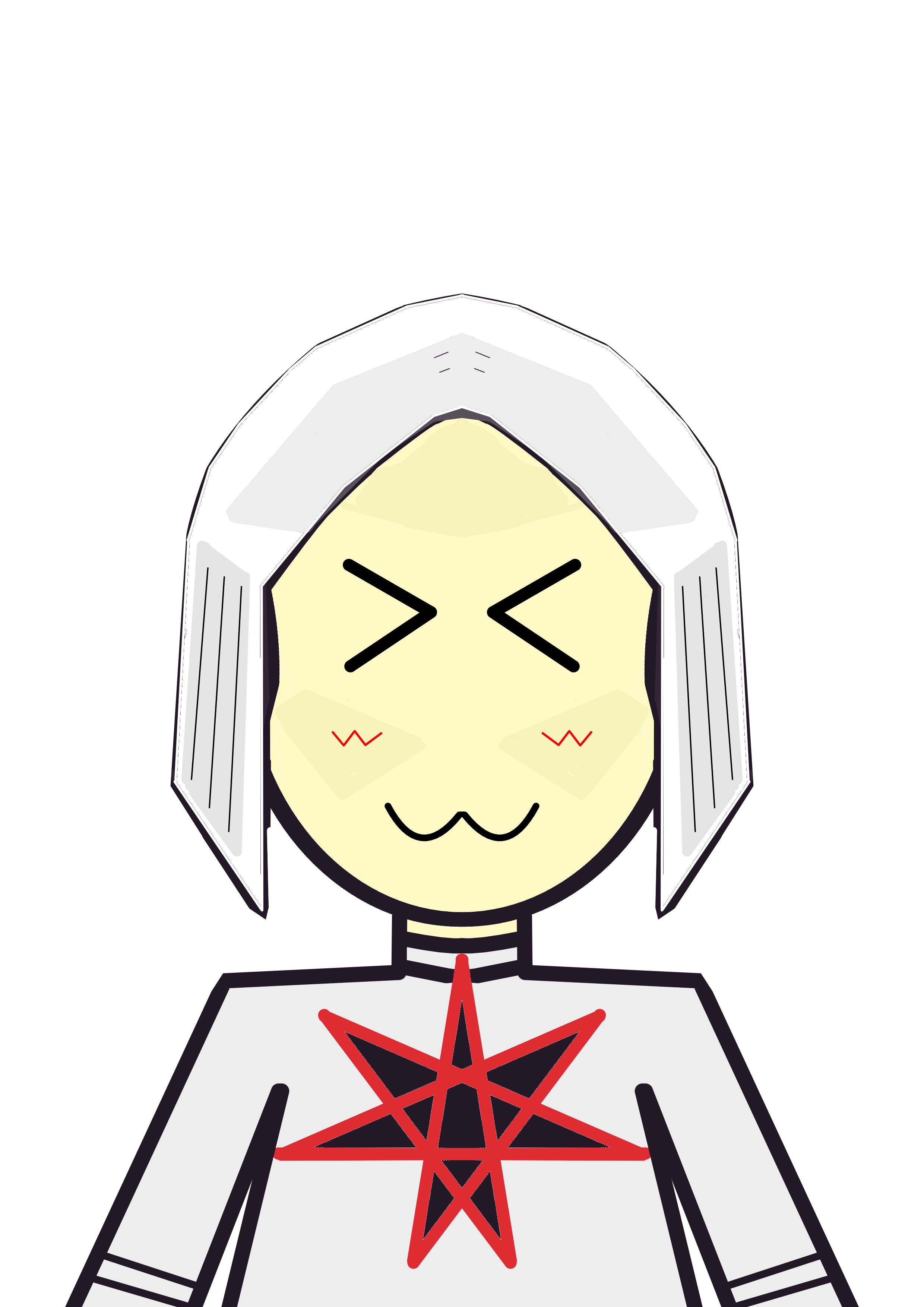
I have been using AI a lot, and while AI did produce good results and symmetry, I decided that it would probably be better if I also knew how to draw without AI.
So I realized I probably need to stop using paint, because default windows app paint is extremely limited and I knew there are probably bunch of better apps.
So I start with Sketchbook app on phone, but sadly, Sketchbook for PC is paid for app.
But then AI told me of Krita.
So I tried it, and it is a very good app for PC.
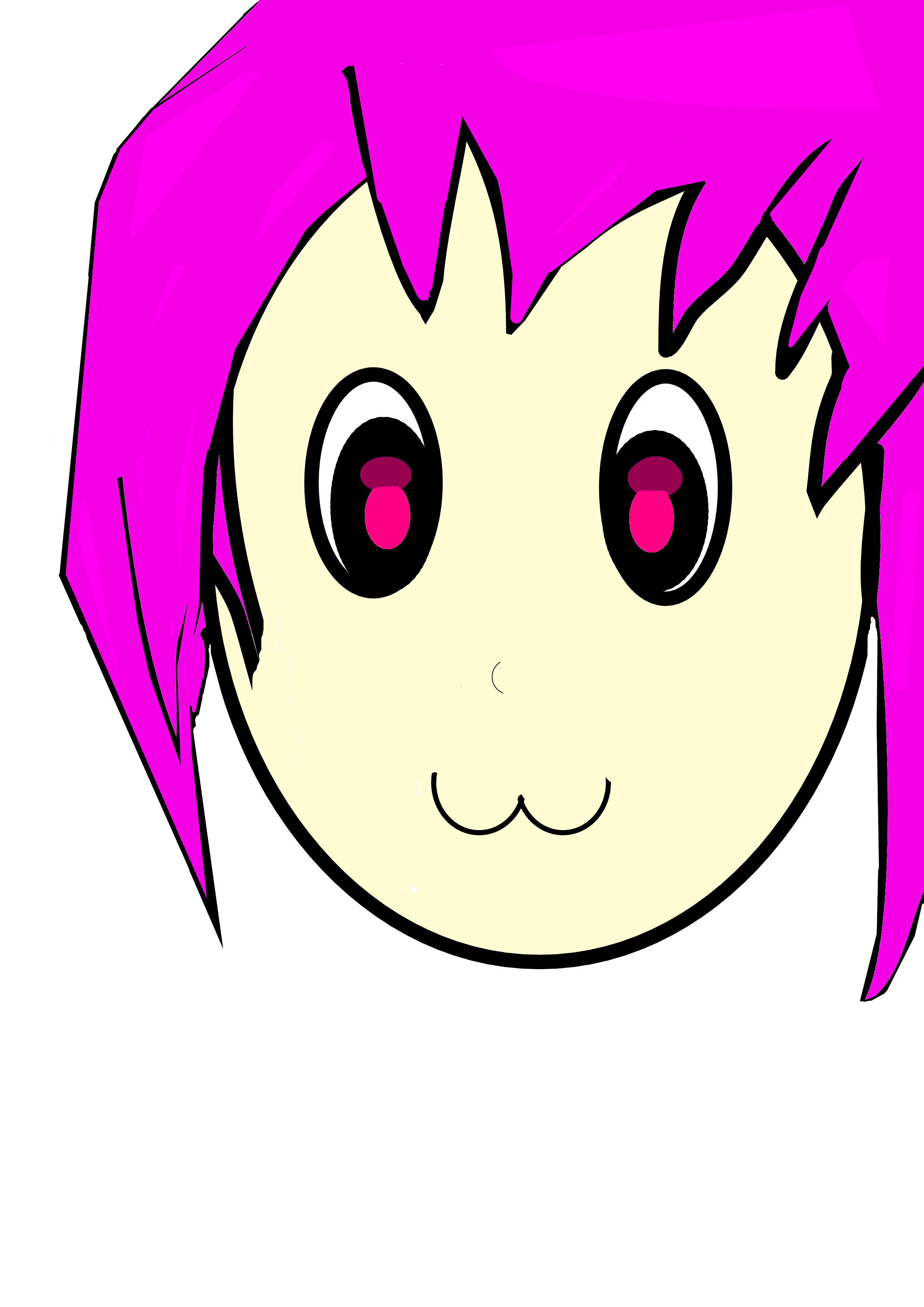
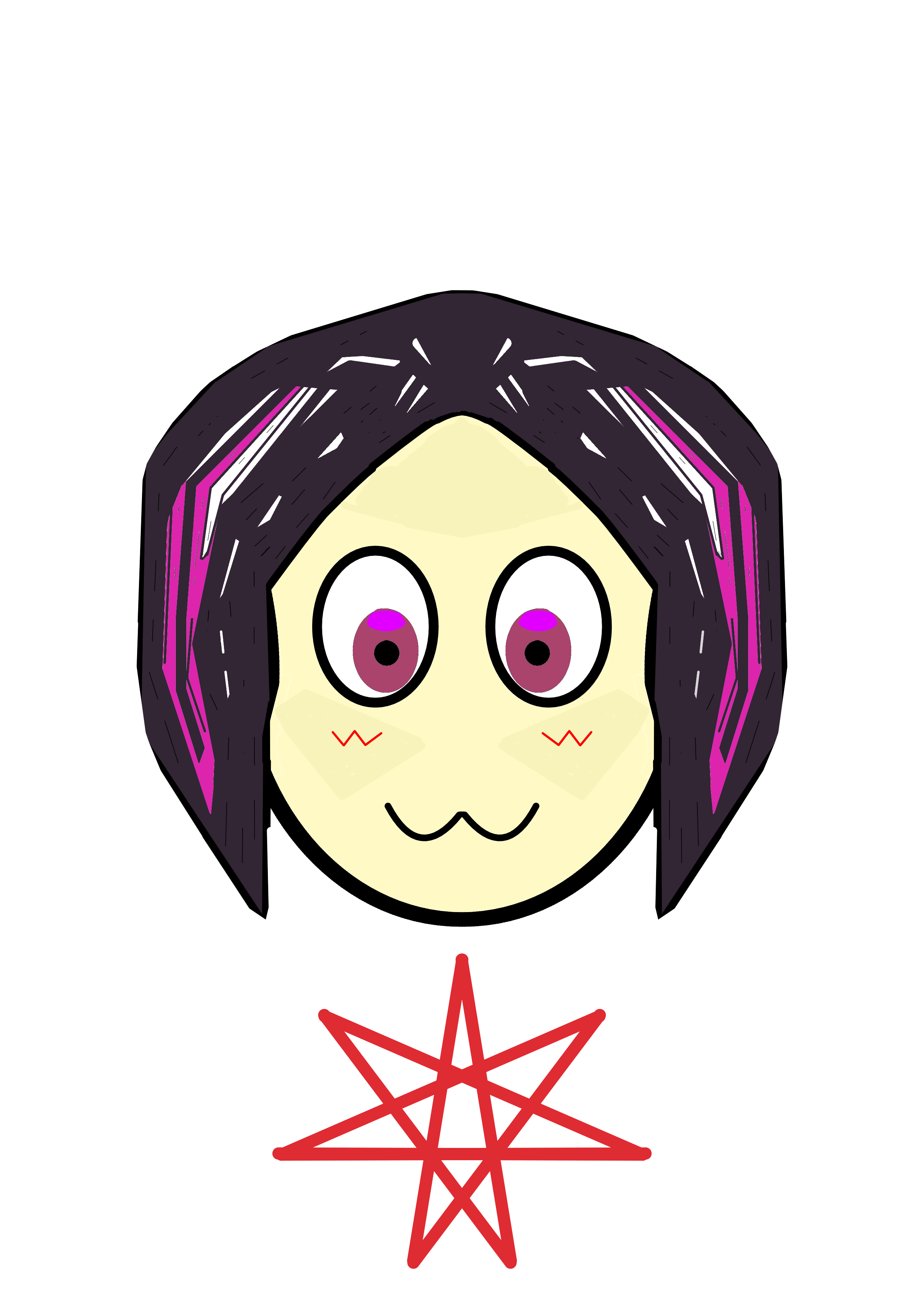
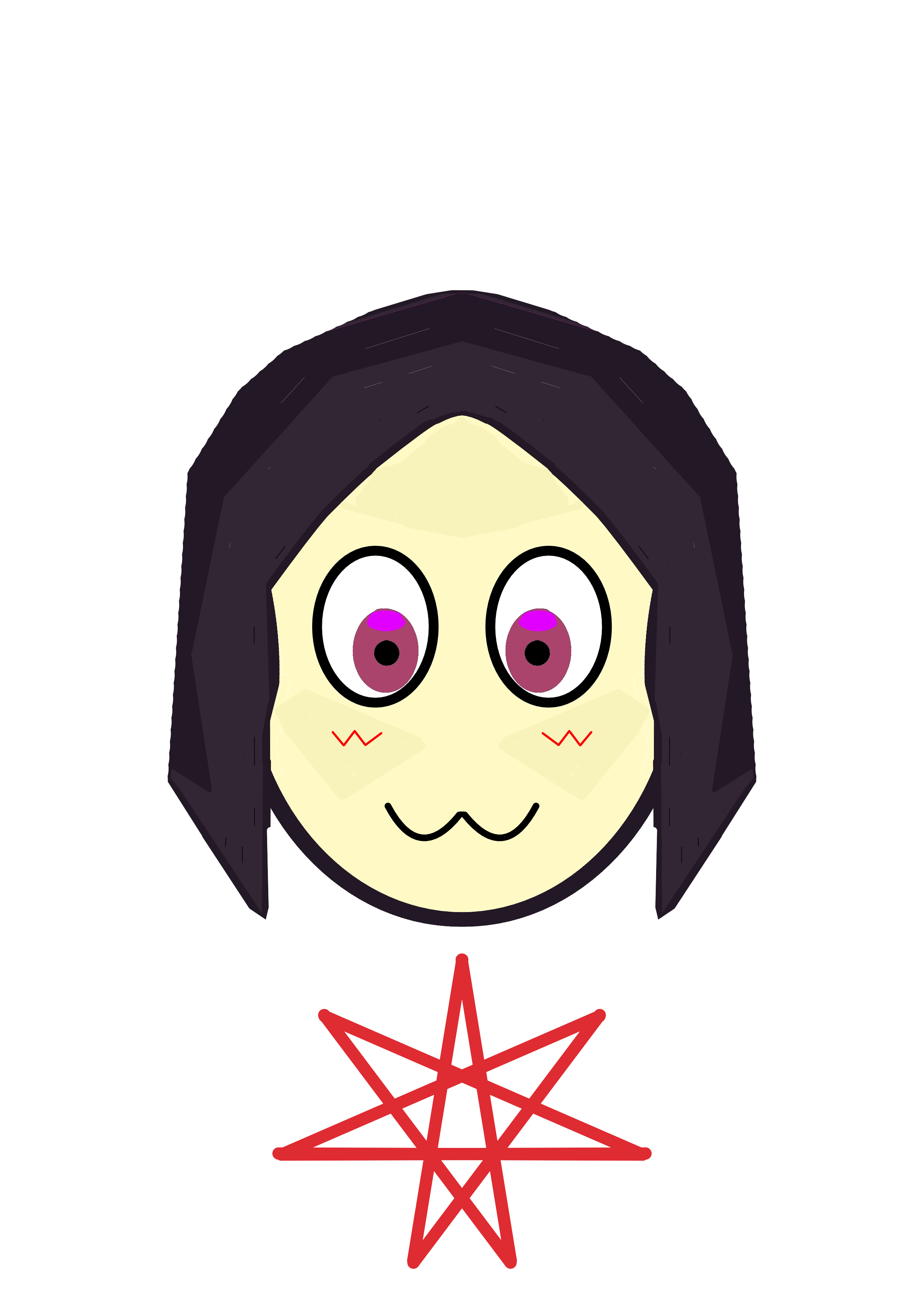
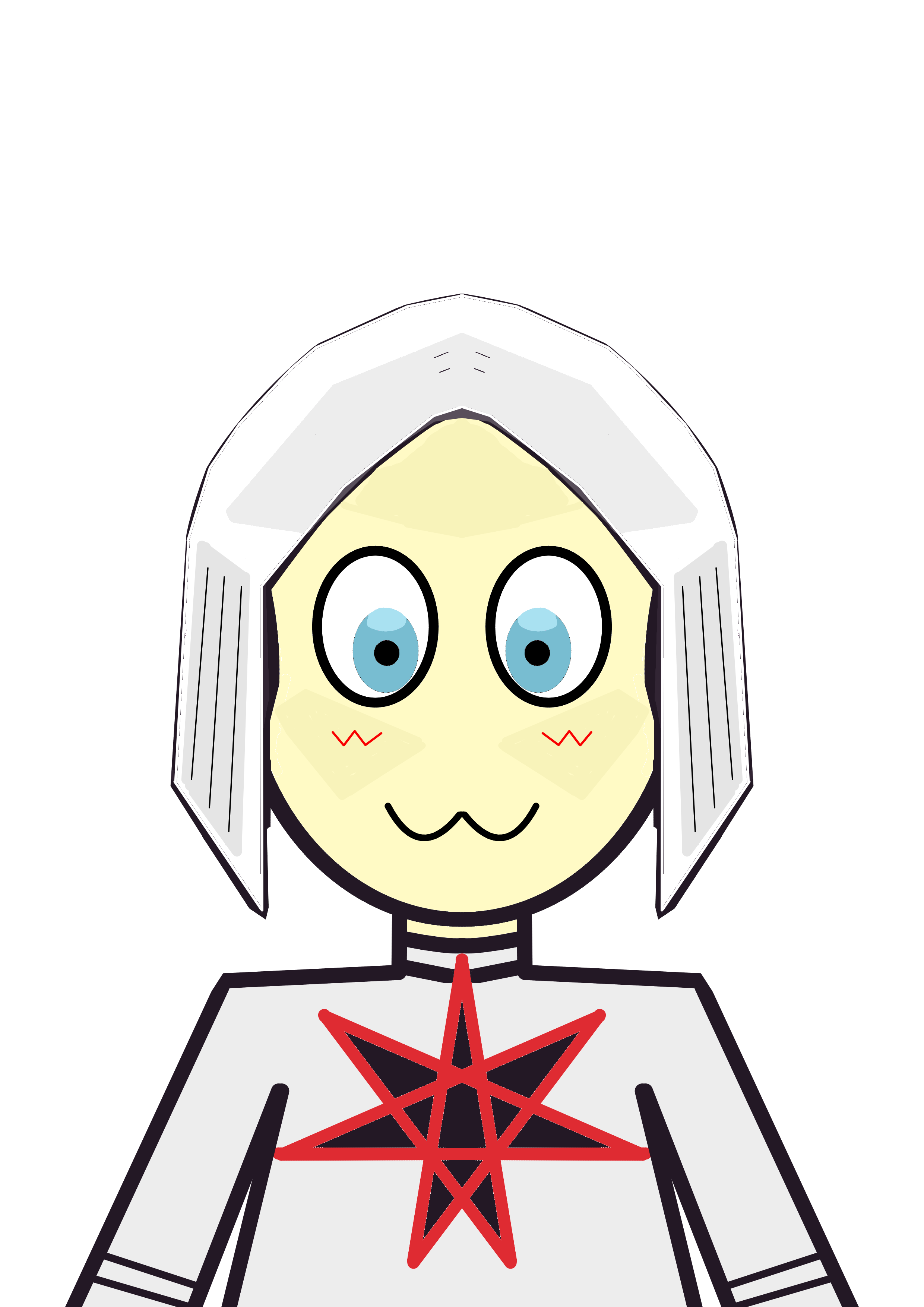
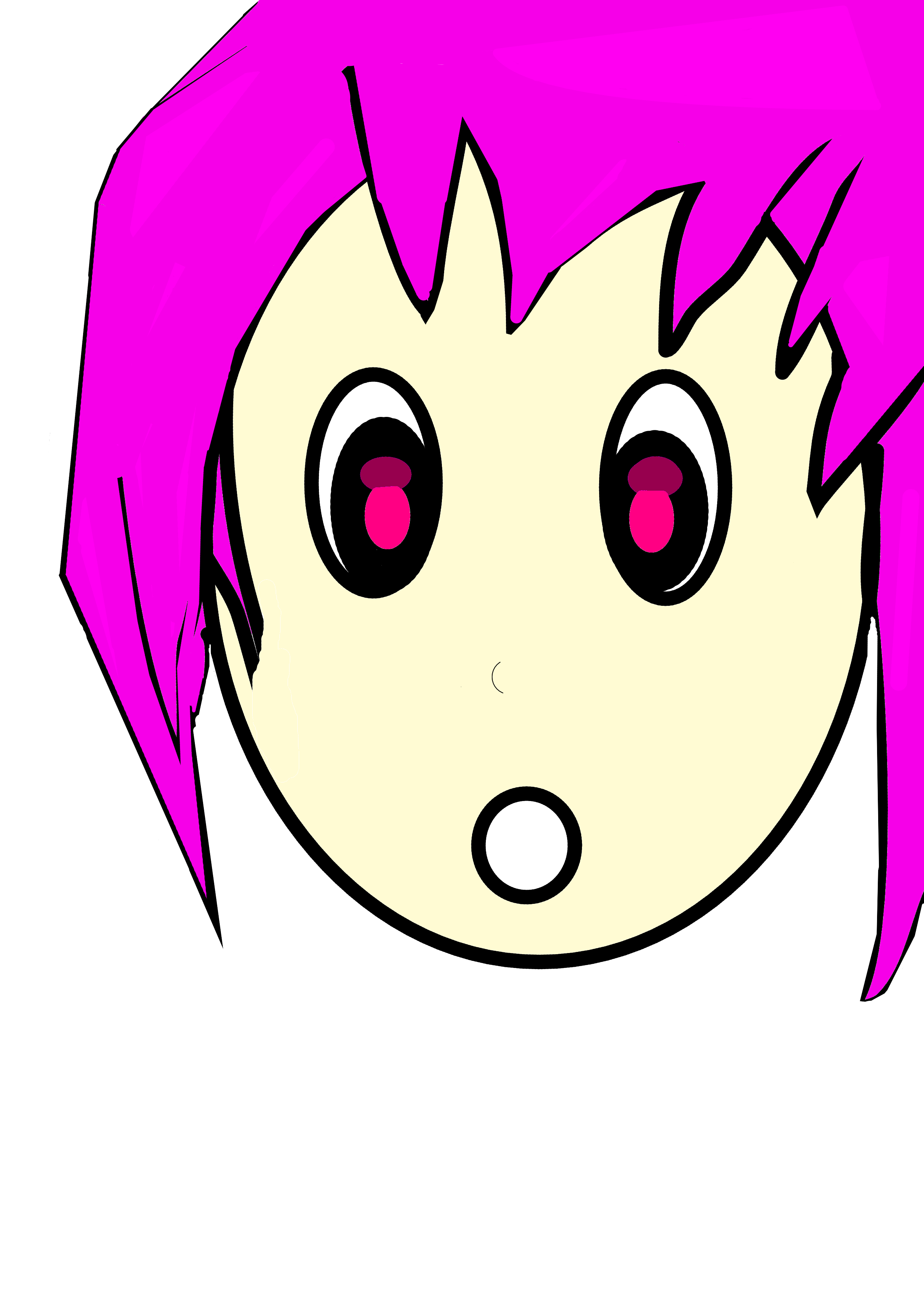
this is my drawing of anime girl. Keep in mind that I am not any good artist, so even this is good for my level.
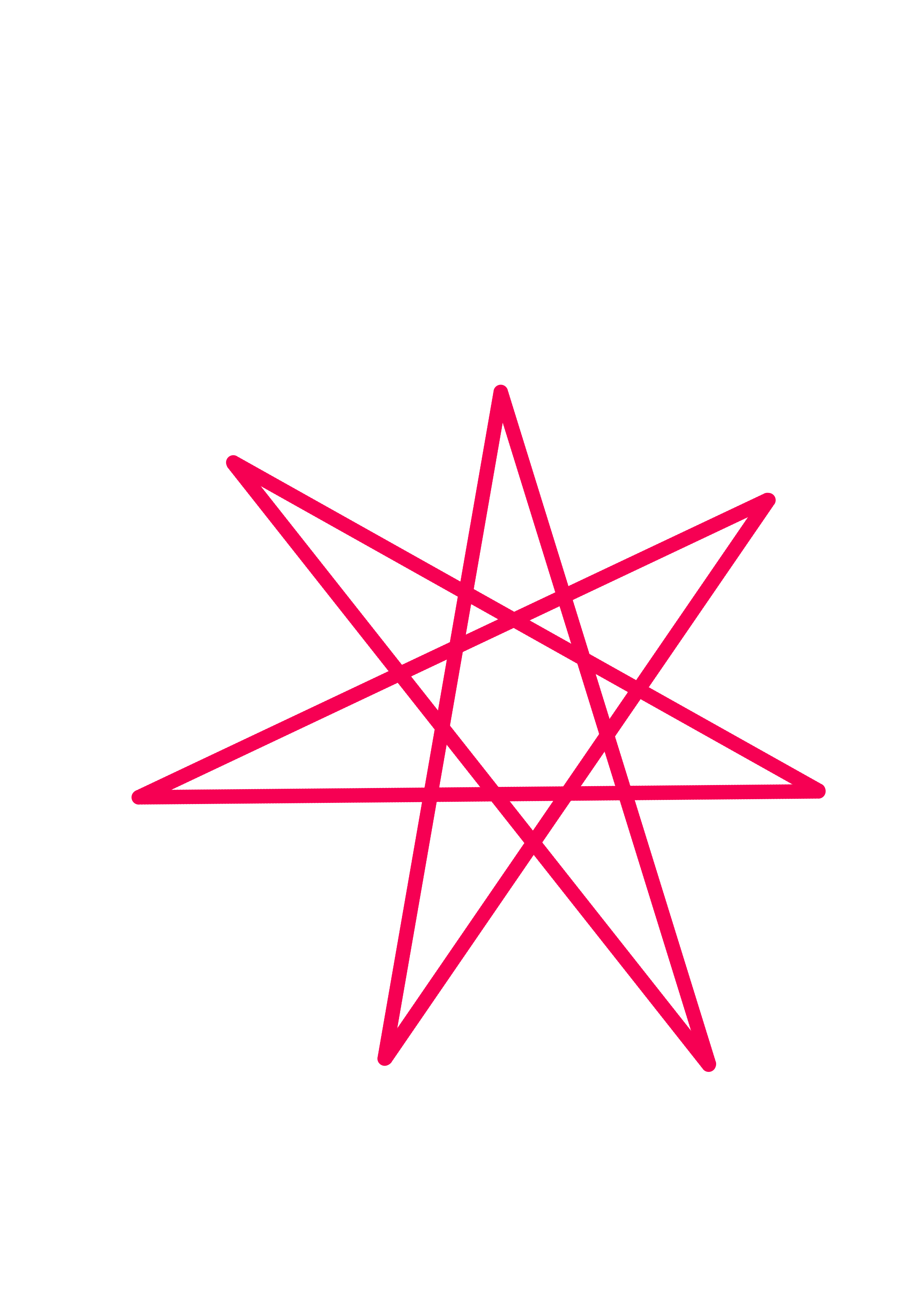
And this is a 7 pointed star drawn:
Now, I struggled to find symmetry option in Krita.
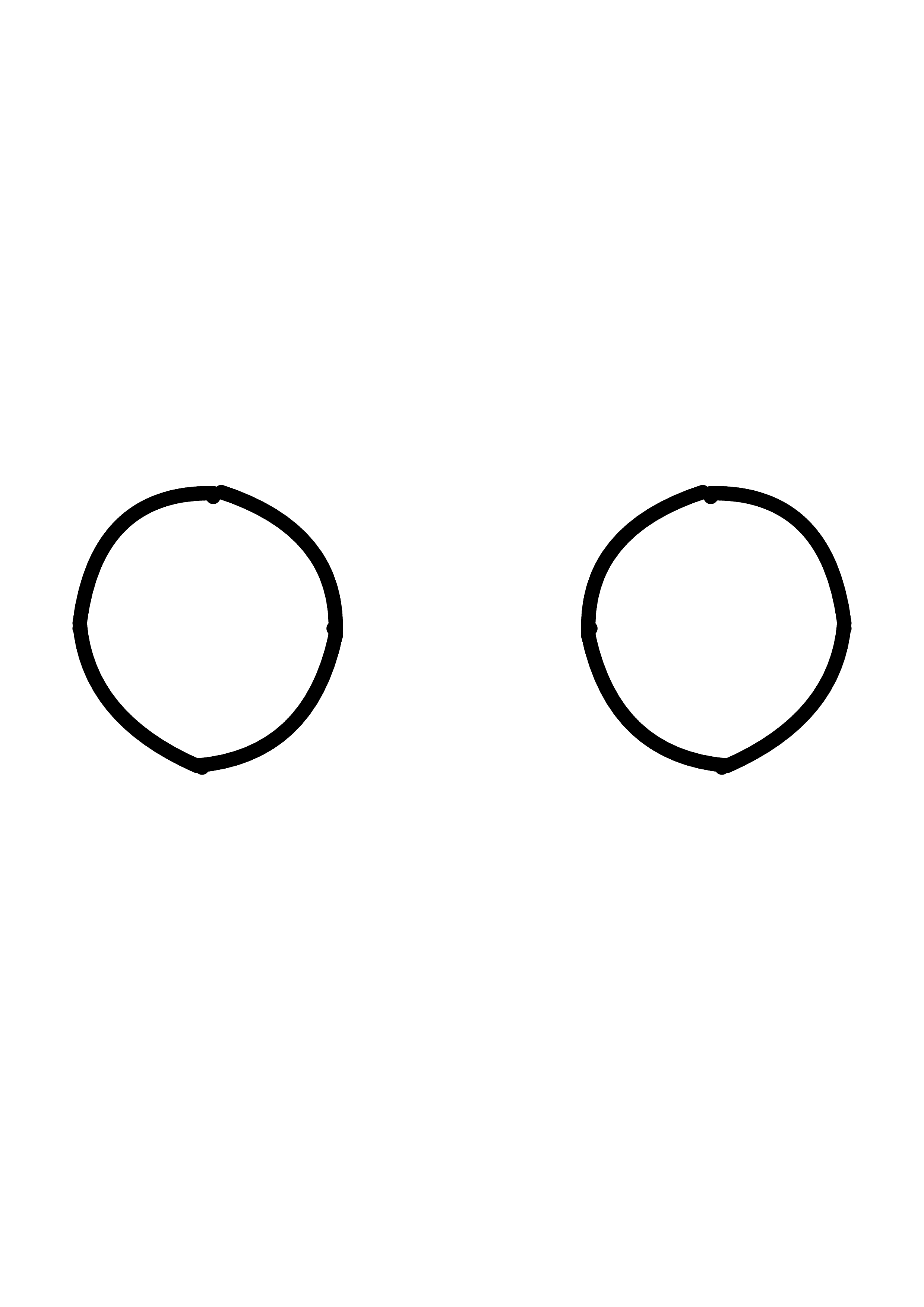
Sketchbook on phone has a symmetry option, so whatever you draw on left side is also drawn on right, like this:
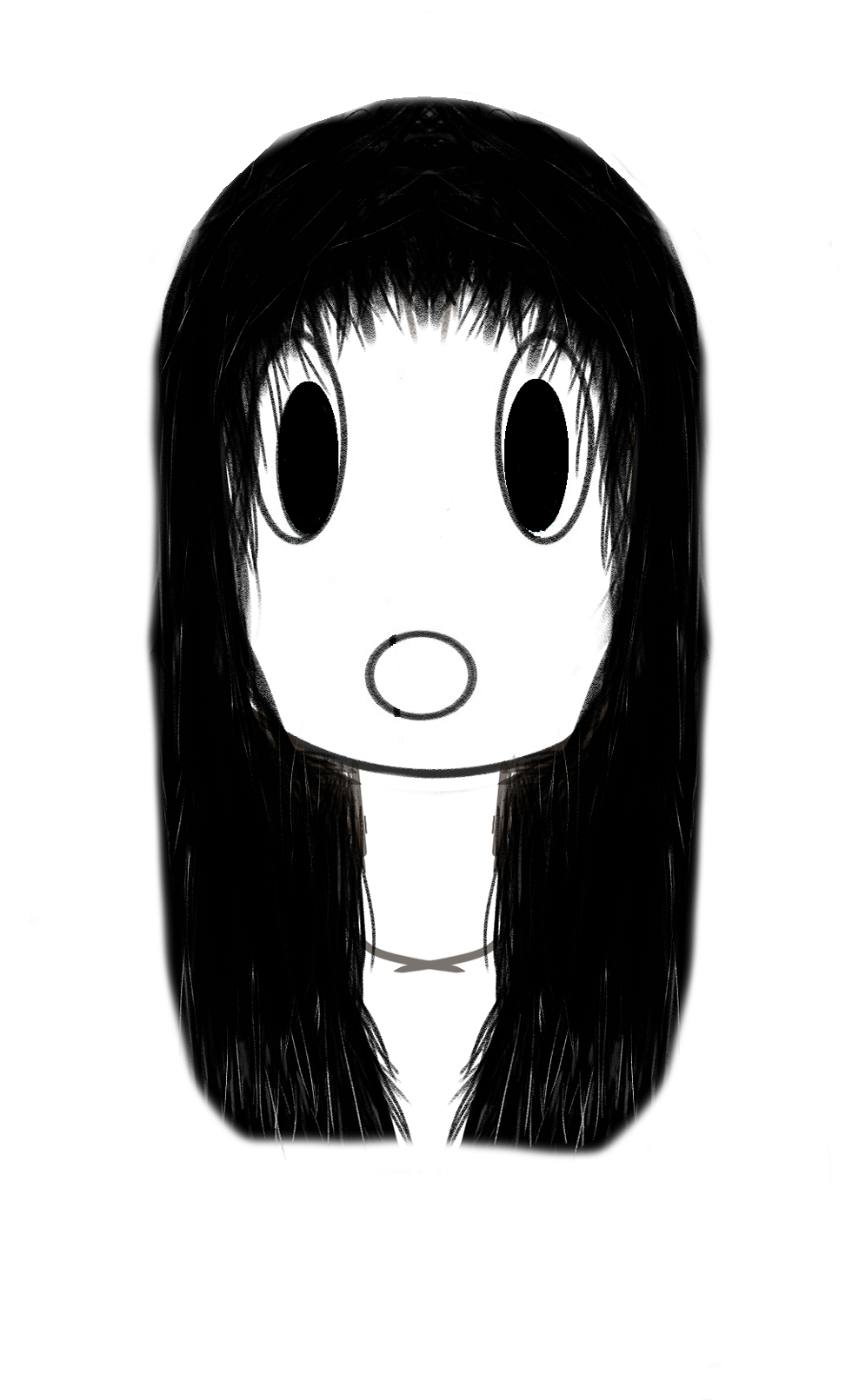
As you can see, left and right side are same. this is an important option, because it enables much faster and precise drawing, which is important for symbols which work based on symmetry.
Krita has a symmetry tool too, it just took me quite some time to find it because its not obvious. Its almost like hidden.
Anyway, I am not drawing anime, thats just for my tik tok. I am drawing magic symbols, which are based on symmetry of right and left.
Symmetry of right and left is considered divine, divine design. Because if you think about it, humans have almost perfect mirror symmetry on left and right. Well, most humans do at least.